Why this search gets hard fast
It becomes harder to identify coins when you want a scanner instead of manual search because a useful scan still depends on reading the right design, date, mint mark, country, and metal cues from the photo. The app gives you a faster first pass before you open catalogs, auctions, or collector forums.
What the app checks from a photo
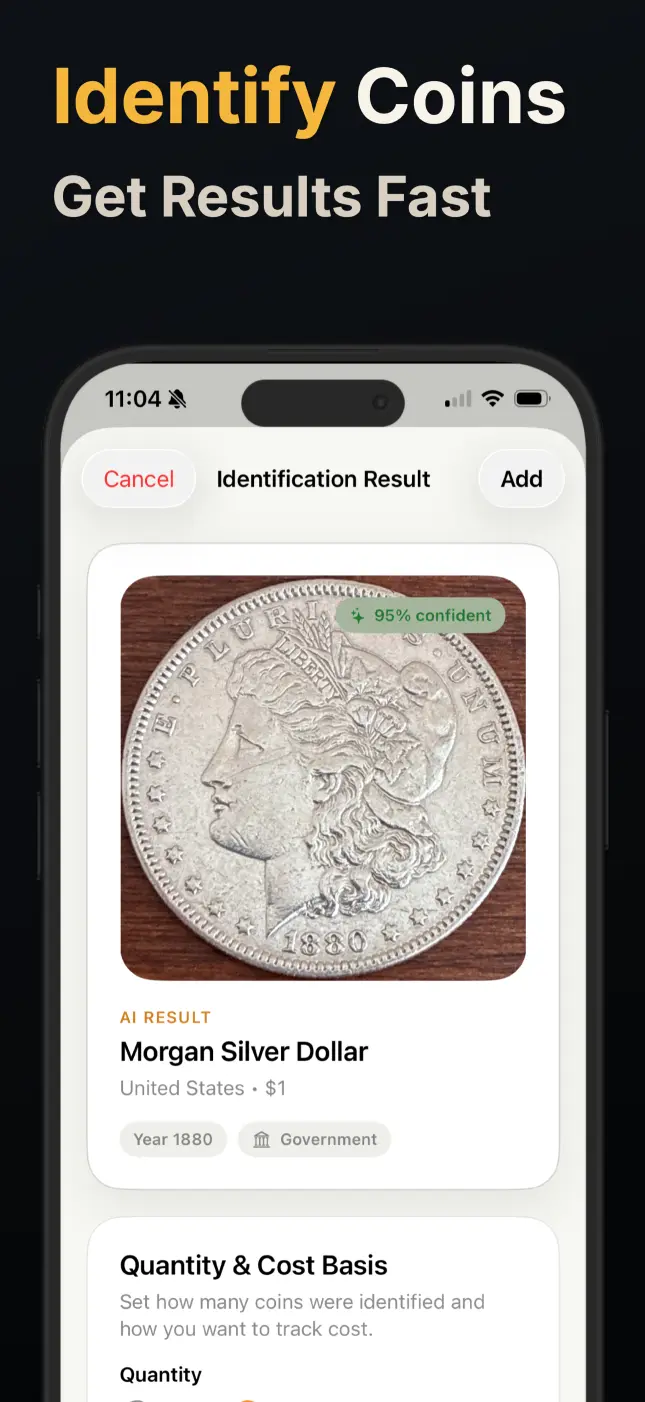
The app compares visible details like text, dates, mint marks, portraits, symbols, edge patterns, shape, and metal cues against a growing coin database.
What you get after a scan
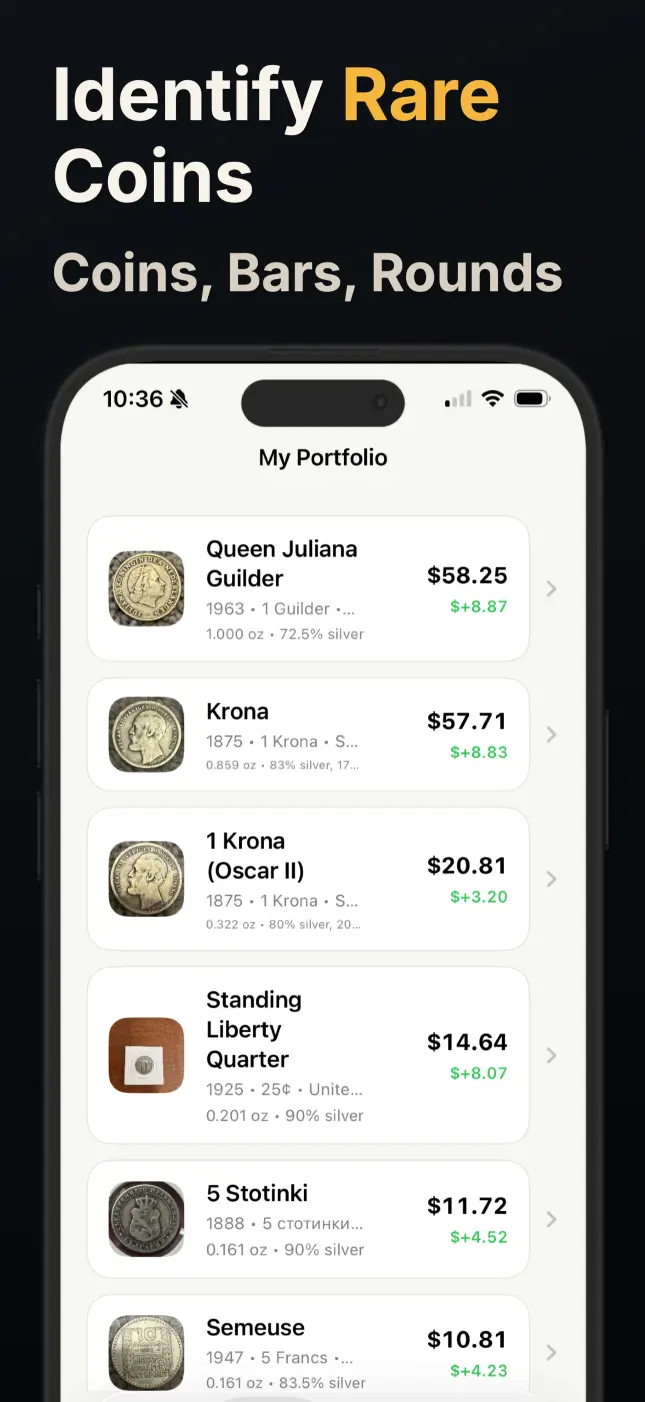
Each scan can surface the coin name, country, date range, denomination, metal composition, and a value estimate when available. You can then save the result or keep researching from a clearer starting point.
Where this landing page helps most
This page is especially useful for people starting with browser searches, comparing coin scanner websites, and anyone who wants a quicker photo-first answer. It is built for people who want a clearer starting point before they buy, sell, catalog, or clean a coin.
Related guides
Continue into nearby coin topics in this language.
Back to guides · Open the full guide hub for this language or keep browsing related topics below.
Coin Detector for Faster Recognition from a Photo
Some searches ask for a coin detector, recognizer, or finder, but the goal is the same: take an unfamiliar coin and narrow it down fast. Coin Value Identifier turns that first photo into a more workable answer.
Open guideGold Coin Identifier for Photo Checks Before You Sell or Hold
Some coins contain real gold, while others only borrow the color or tone. A photo-led check helps you separate gold-looking pieces from coins that deserve a closer country, date, and metal review.
Open guideIdentify Old and Antique Coins with a Photo
Worn legends, unfamiliar portraits, and subtle mint marks can make old coins slow to research by hand. Coin Value Identifier gives you a faster starting point from a single photo.
Open guideCheck Coin Value with Your Camera
If you are asking whether a coin is worth keeping, selling, or researching, a quick photo is a better first step than guessing from date alone.
Open guideStart with a photo
Download Coin Value Identifier and turn uncertain coin finds into faster, clearer answers.
Get the app Scan to download